|
WARNING: This section is intended for advanced users and "Super users" of PRIM Logix.
The configuration items presented in this section may indeed have an impact on your operations.
If in doubt, consult your system administrator.
Please note that only users in the appropriate security groups can access the software configuration windows. |

Agency - The backoffice
The back-office is a feature specific to PRIM Web which allow the user to adjust settings of the Web portal.
To access it, log in at the following URL using your agency name as it appears on your web platform:
[Agency].primlogix.com/admin.
Note that in order to access the back office, you must have a PRIM Logix user account with the appropriate security group.
 The backoffice and the "Login as" function cannot be used simultaneously in the same browser. So if you want to use this function to quickly view changes made to the web portal, you'll need to connect to the backoffice in a private browser window, or in a browser other than your default one.
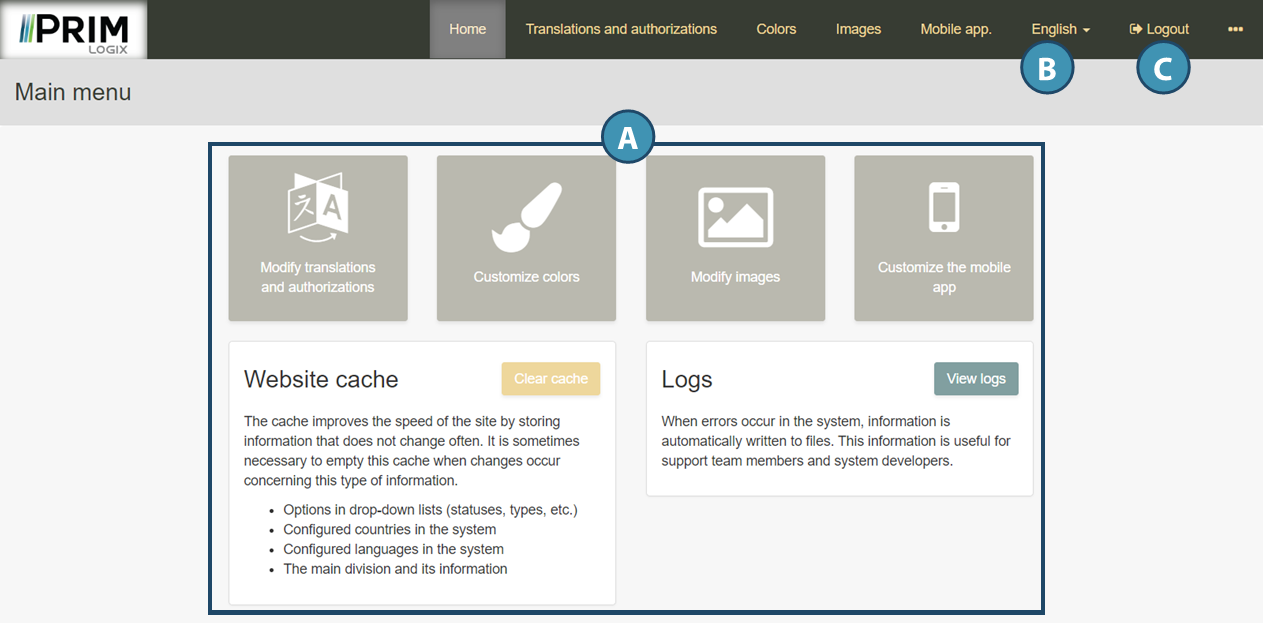
Once logged in, a main menu allows you to navigate through the different options of the back-office. (A)
While browsing, use the language choice menu at the top right to change the display language. (B)
To log out, use the "Logout" button (C).