Disable a filter
Disable all filters in the list or window in one step
1.Click on the icon  (filter) in the "Search" Ribbon and select "Clear filters".
This action disables all filters applied in the active window or list. Use the icon  to refresh the list as needed.
Disable a single filter
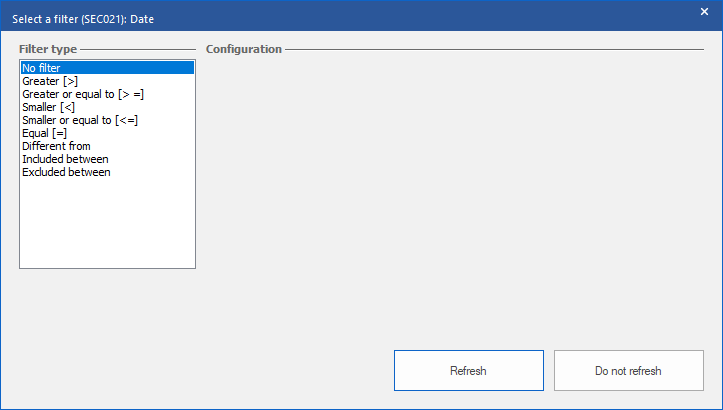
1.Right-click on the column header or in the field containing the filter to be disabled.
2.Choose the type "No filter".
3.Click on the "Refresh" button.