Descriptions and examples
Below is a description of some of the options available for a criterion, as well as a preview of this tab for a few PRIM Logix windows
Description of options
Each criterion can be configured to obtain additional information or to refine the criterion (number of years of experience, level of expertise, etc.). In addition, certain options can be used to determine the importance of a criterion.
Here are the available options:
Required: Candidates for whom this option is not checked will not appear in the list of potential candidates.
Asset: Candidates for whom this option is not checked will appear in the list of potential candidates. The number of points a candidate has for each criterion will be displayed in the “Assets” column of the ATS or planner.
AND: Criteria linked with “OR” are treated as alternative options. The number displayed on the right indicates that all criteria with the same number will be considered together. The candidate must therefore meet one or the other of these criteria.
Example: The candidate must have a Diploma of College Studies (DEC) OR a Certificate of College Studies.
NOT: Candidates who have checked this option will not appear on the list of applicants. This is a restrictive criterion that ensures the candidate cannot be hired.
Examples
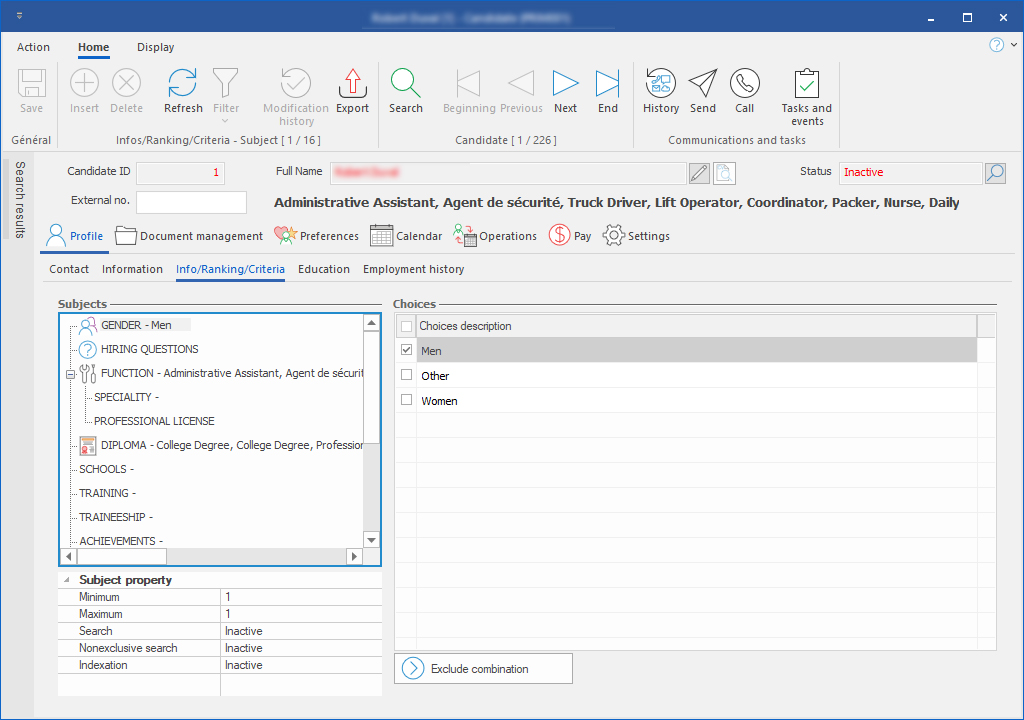
Candidate
In the candidate's window, you will find the indexing criteria and options to characterize the candidate.
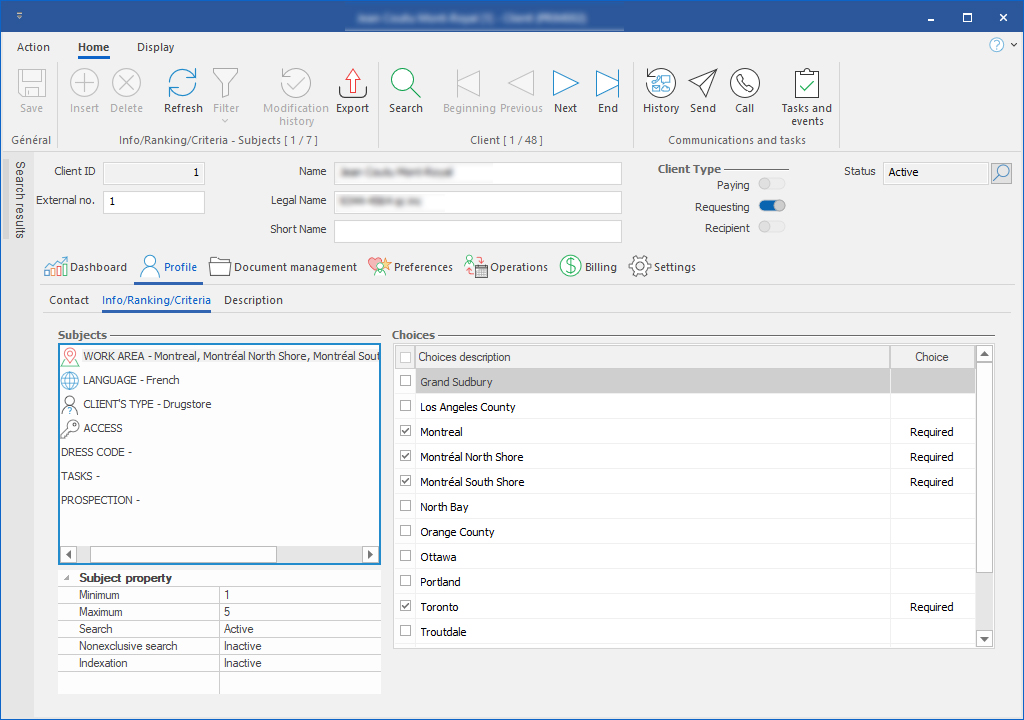
Client
In the Client's window, you will find what characterizes the client and some additional information.
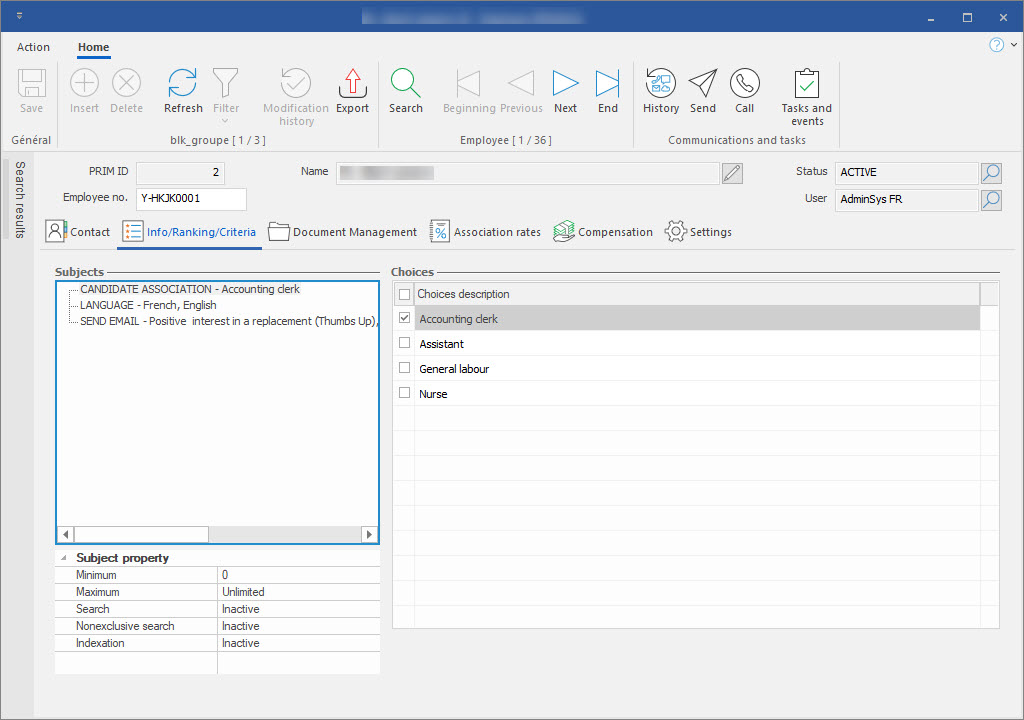
Employee
In the Employee window, you will find what characterizes the employee and some additional information.
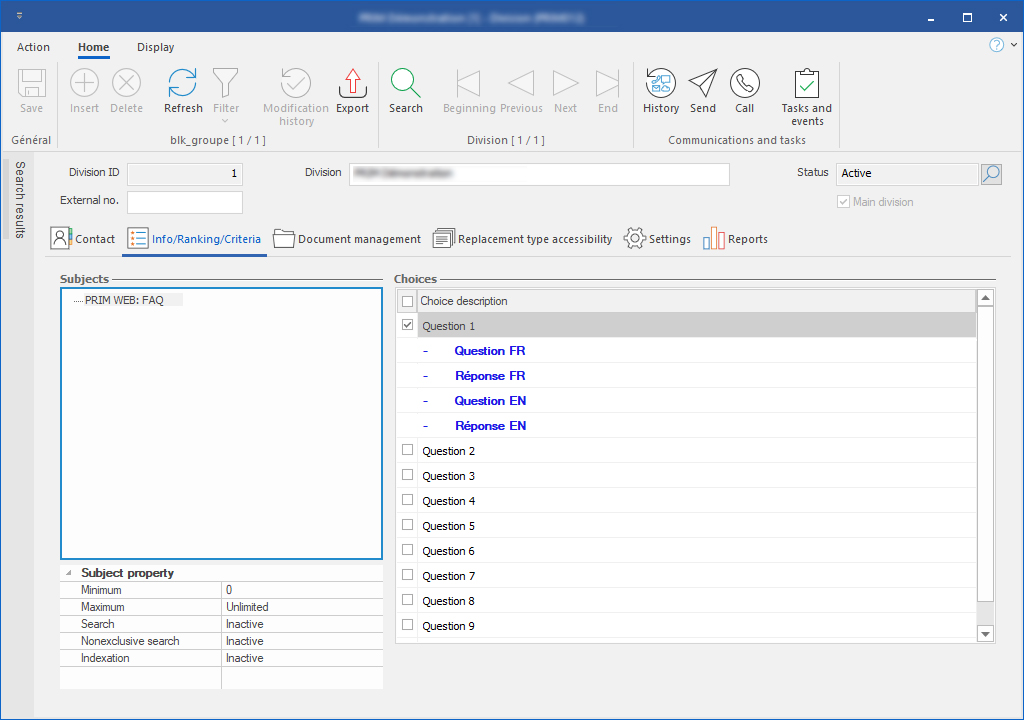
Division
In the Division window, you will find what characterizes the division and some additional information.