WARNING: This section is intended for advanced users and "Super users" of PRIM Logix.
The configuration items presented in this section may indeed have an impact on your operations.
If in doubt, consult your system administrator.
Please note that only users in the appropriate security groups can access the software configuration windows.
Get started - Installing PRIM Logix
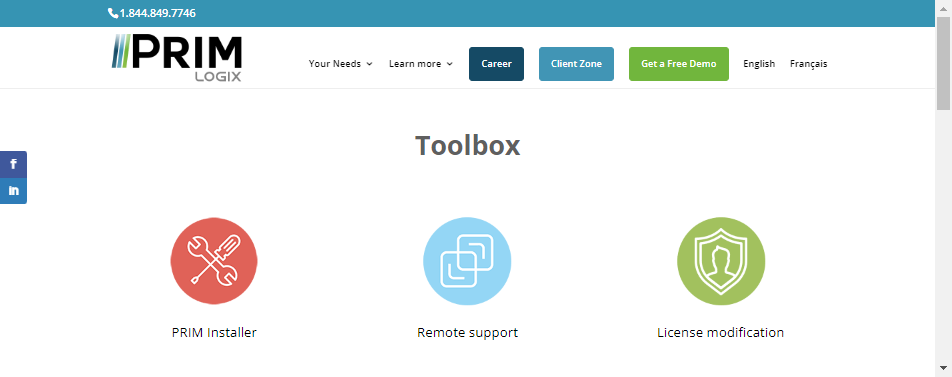
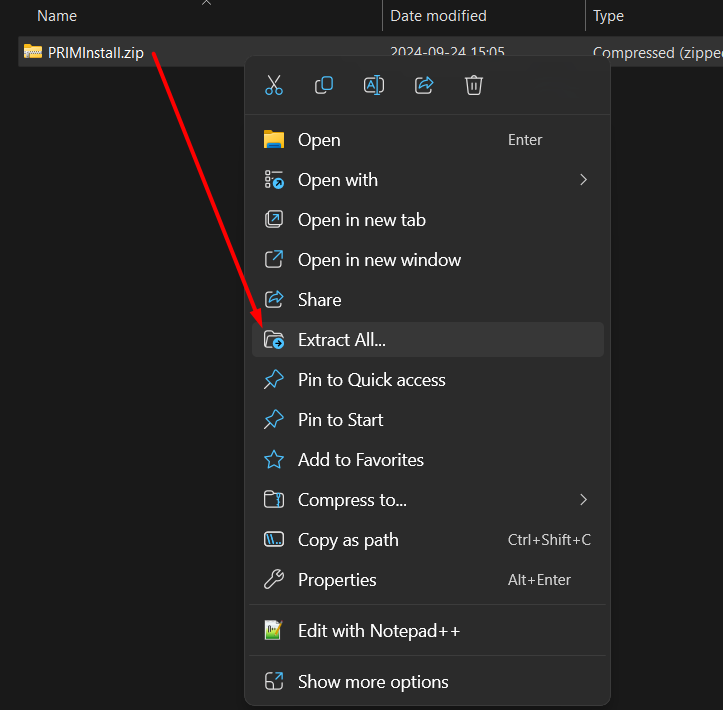
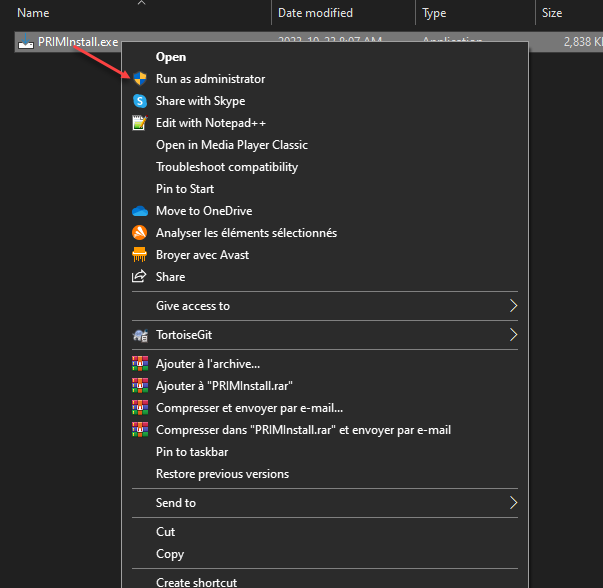
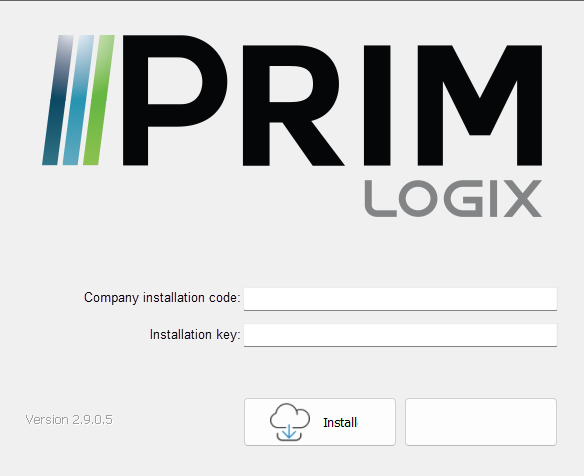
This page will guide you step-by-step to install PRIM Logix software on a computer.
PRIM installation requires Windows 10 or higher. For details of minimum system requirements, please see point 2 of our terms of use.
 PRIM Logix standard installation
Installation of a second PRIM version (V5 migration or beta version)
Troubleshooting