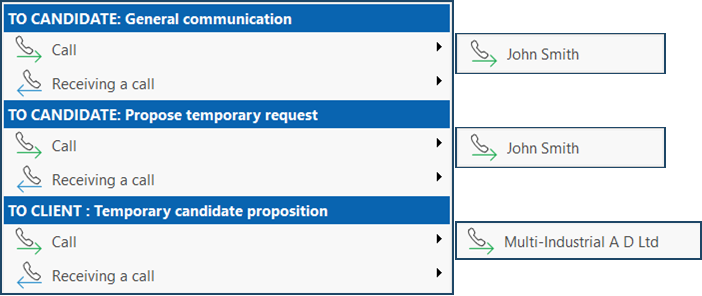
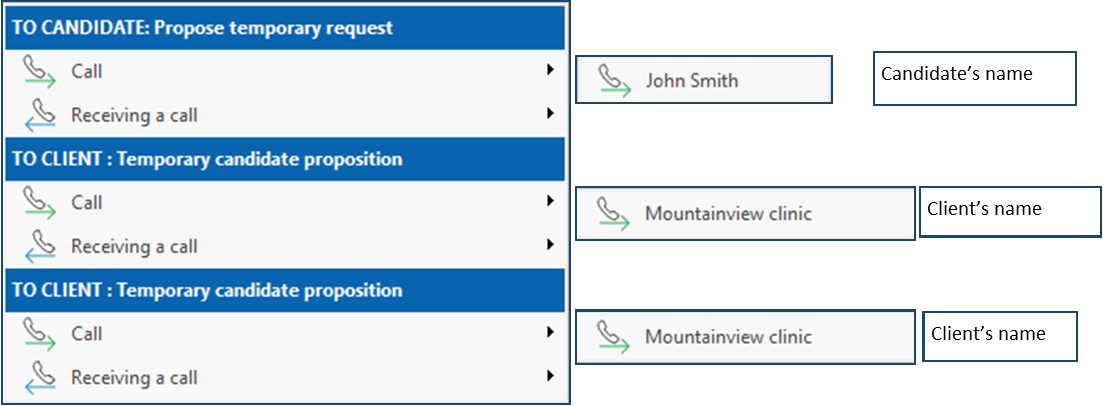
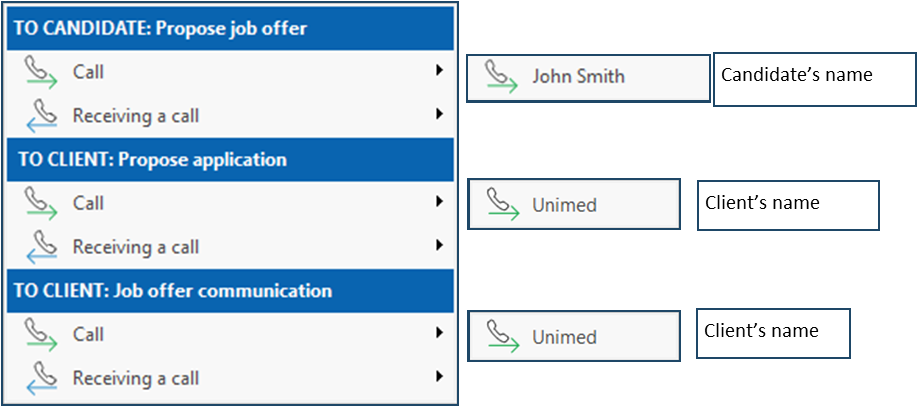
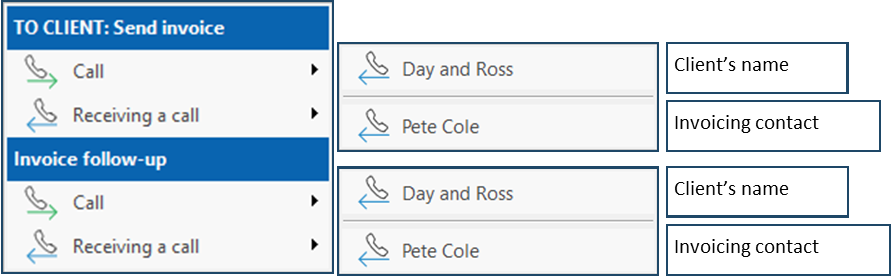
Regardless of the window from which you launch a call, or the communication context selected, the procedure for logging a call summary remains the same, with a few variations in the options available for the call result.
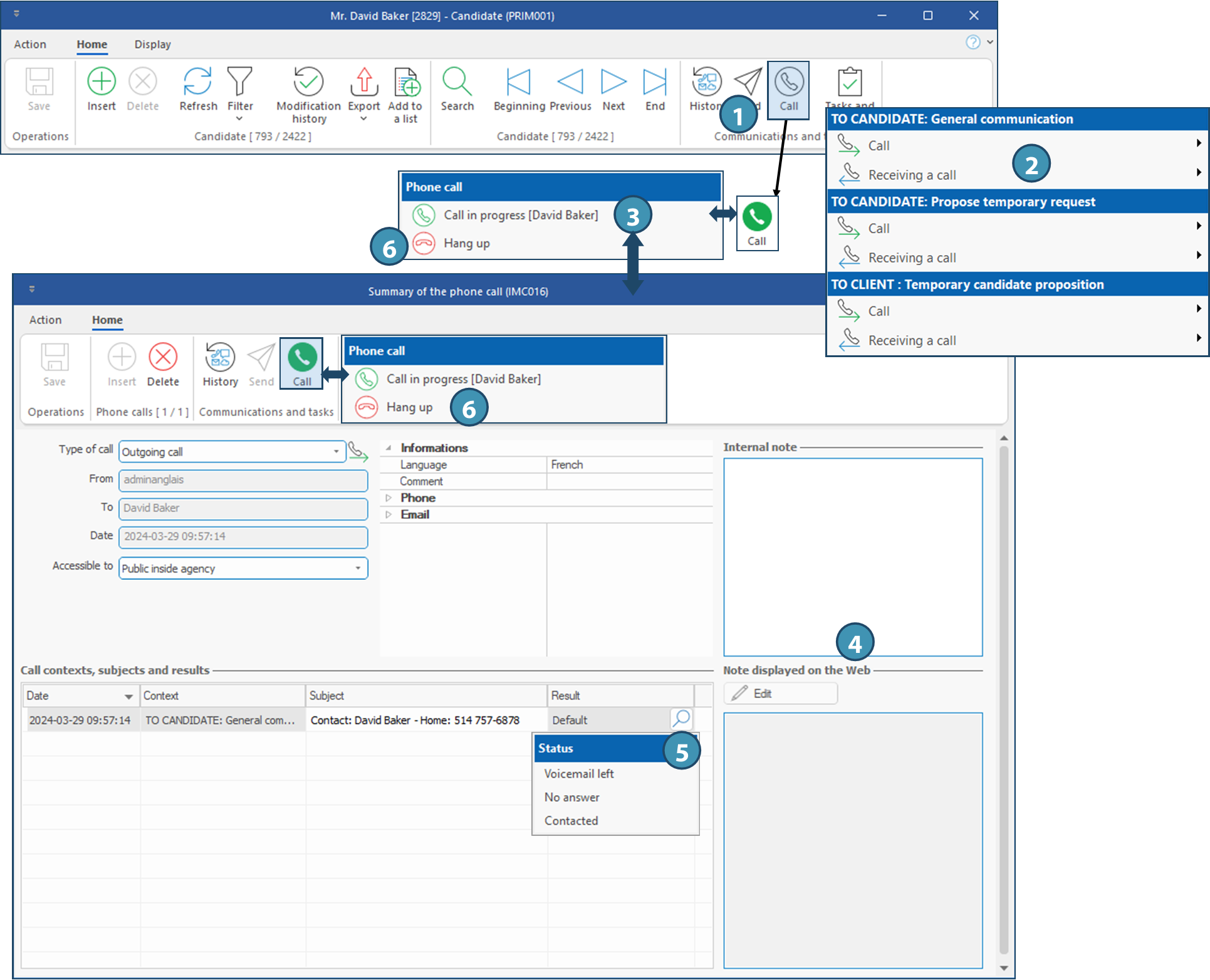
In the example below, we will show a call log for general communication with a candidate.
1.From Home ribbon in a candidate file, click on  (Call) to to view the list of options. (Call) to to view the list of options.
2.Choose the relevant option among the proposed contexts and click on Call when you initiated the call, or on Receiving a call if your answered the call. When a call is in progress, the icon will become green :  . .
3.Click on . Choose the option Call in progress to display the window Summary of the pone call.
4.You can add notes about the call. Once done click on  (Save). (Save).
5.You can select the result of the call. Just click on  in the Result column. in the Result column.
ⅰThe available options for the call result depend on the context and additional options are available when the call is about a shift or an application. For example, when calling a candidate to propose a shift, the options "Accepted" or "Refused" will be available, and will change the status of the application, and possibly the status of the shift if it has been accepted by the candidate.
6.Click on Hang up to end the call.
|