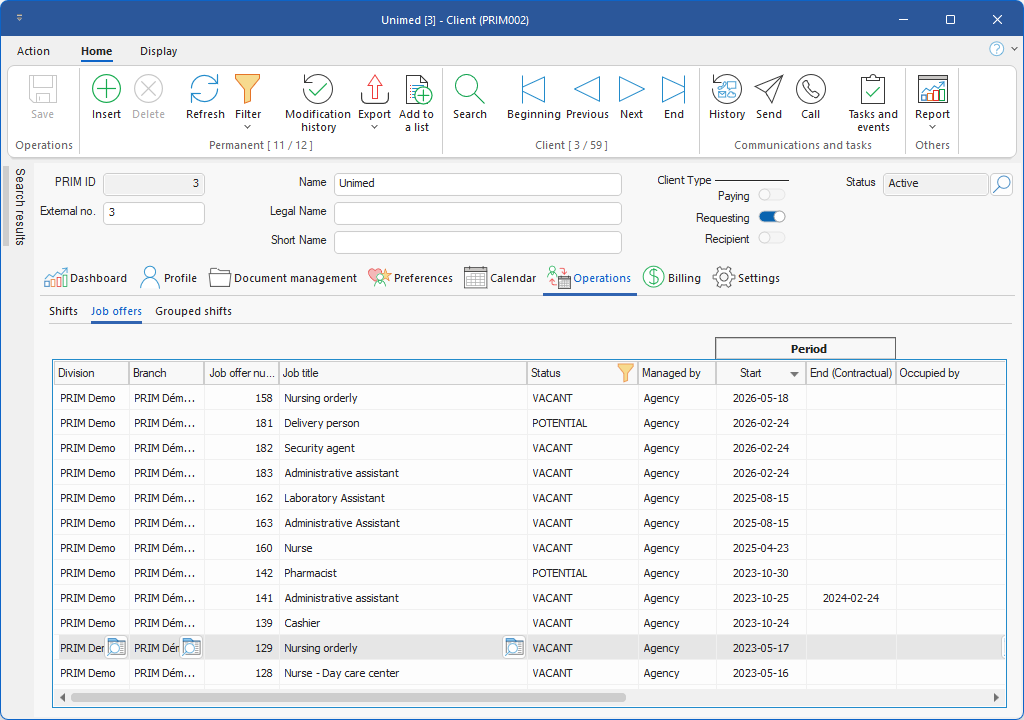
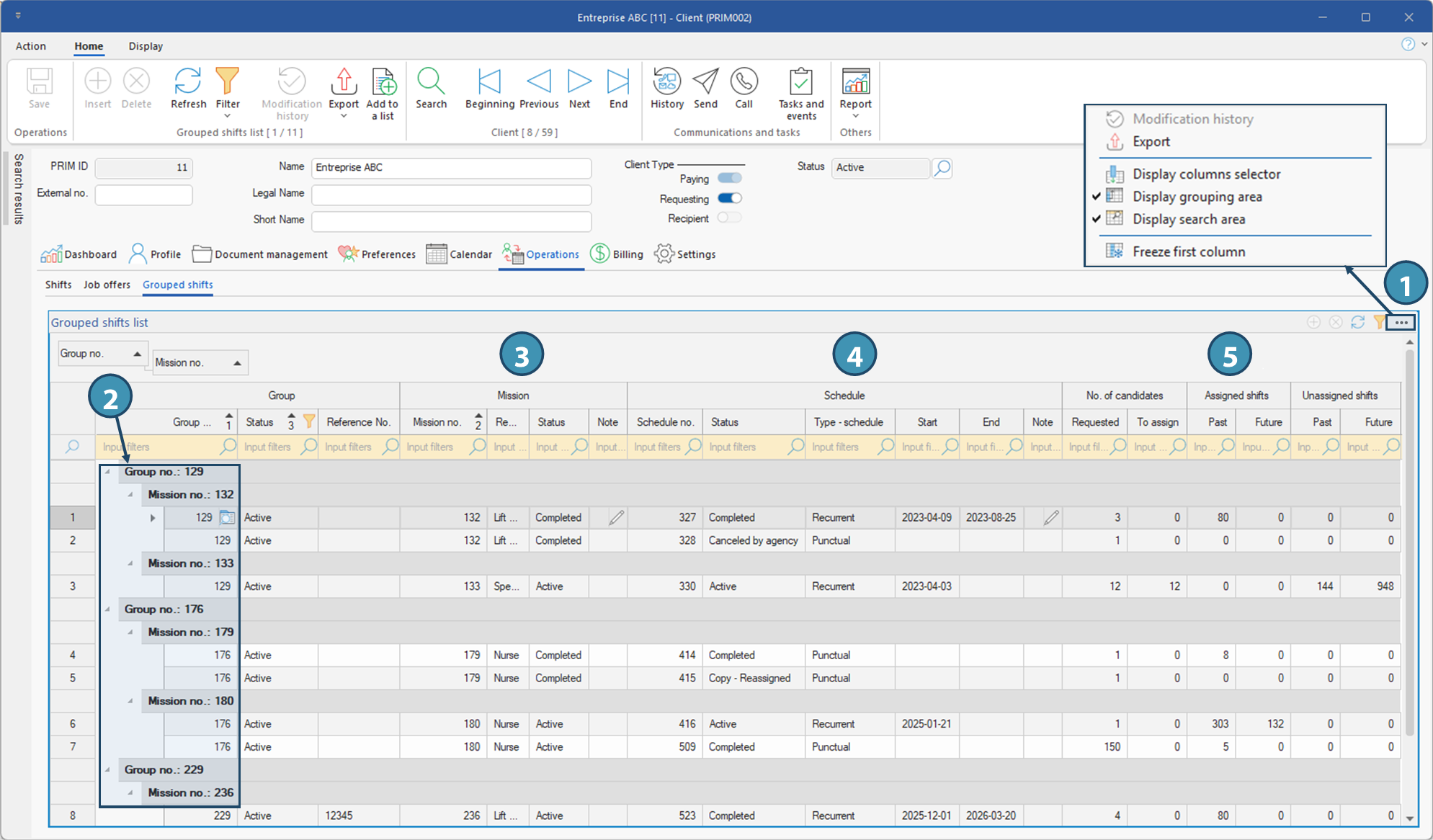
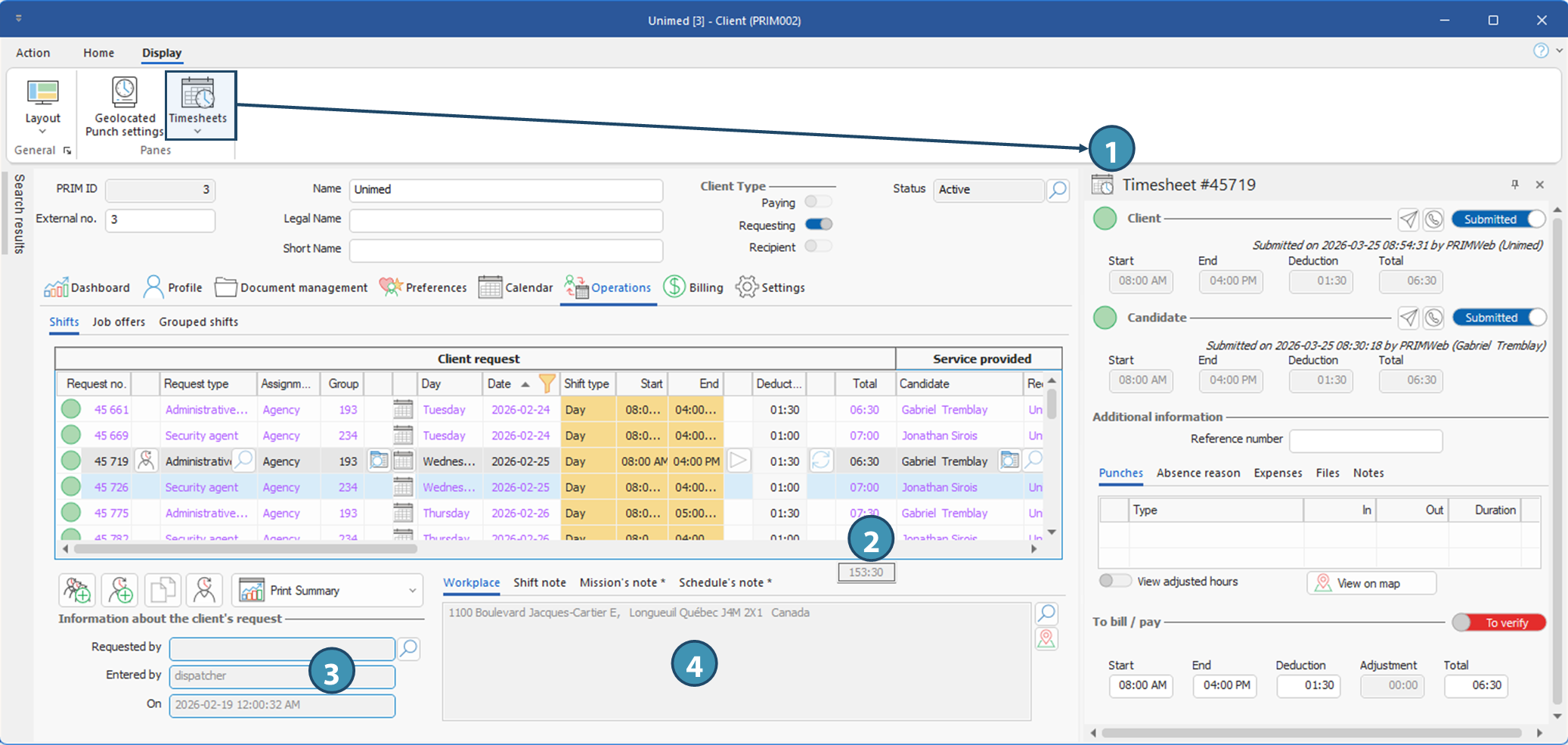
This tab lists all the shifts created for the client depending on the filters applied, not only the shifts filled and worked, but also those that may have been cancelled, are still vacant, or have never been filled. Shifts that are part of a grouped request are also included. This tab also displays the timesheet data for a selected shift, once the timesheet pane(1) is open. The total hours for shifts displayed under the filters applied are shown at the bottom of the table, under the Total column(2).
! Total hours include hours for all shifts displayed according to the filters, regardless of their status, and therefore include hours for cancelled or unfilled shifts. To see total hours for shifts scheduled and actually worked, apply the appropriate filters.
The buttons at the bottom of the page allow you to perform certain actions:
 Create a request for grouped shifts: Opens the window for creating a grouped shift, with the Client field pre-filled. Create a request for grouped shifts: Opens the window for creating a grouped shift, with the Client field pre-filled.
 Create a one-off request (shift): opens the Batch request window, with the Client field pre-filled. Create a one-off request (shift): opens the Batch request window, with the Client field pre-filled.
 Copy a shift Copy a shift
 Allows you to print the "Shift Summary" reports, which will include the shifts visible on the screen. Allows you to print the "Shift Summary" reports, which will include the shifts visible on the screen.
The Shift Information section(3) displays some additional data on the shift selected in the top section, i.e. the person who made the request, the PRIM user who created the shift (dispatcher in the case of a grouped shifts request) and the creation date.
On the right-hand side of this section, there are 4 sub-tabs(4):
•Workplace: Address of the selected shift's work location.
•Shift note: Internal note added by the agency about the selected shift.
•Mission's note: Internal note added by the agency concerning the mission of a grouped shifts request. If the selected shift is not part of a grouped request, the tab will be grayed out.
•Schedule's note: Internal note added by the agency about the schedule of a grouped shifts request. If the selected shift is not part of a grouped request, the tab will be grayed out.
ⅰ A star on a tab indicates that data is available on that tab for the selected shift.
ⅰ See the Operations - Temporary module for details of how to create, assign and manage temporary requests and one-off shifts.
|
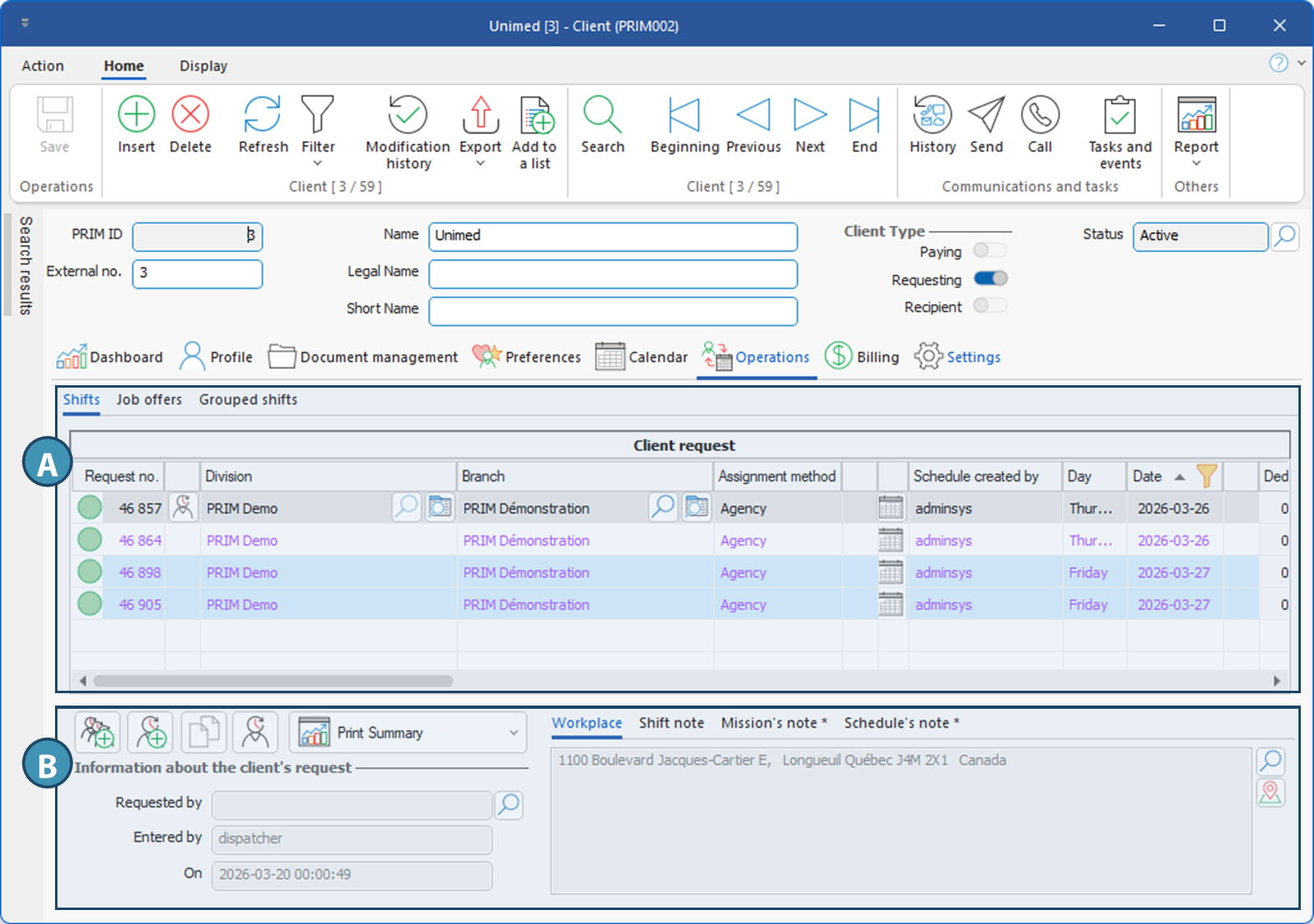
 Tab - Shifts